
How do I tell TrainAsONE that I have limited time to train on certain days of the week?
By Dr. Sean Radford
•
21st February 2022
(Updated 22nd January 2023)
This can be easily achieved by setting maximum run durations for the days of weeks concerned within your Training Settings:
- Go to your Training Settings and click the 'Update training settings' button.
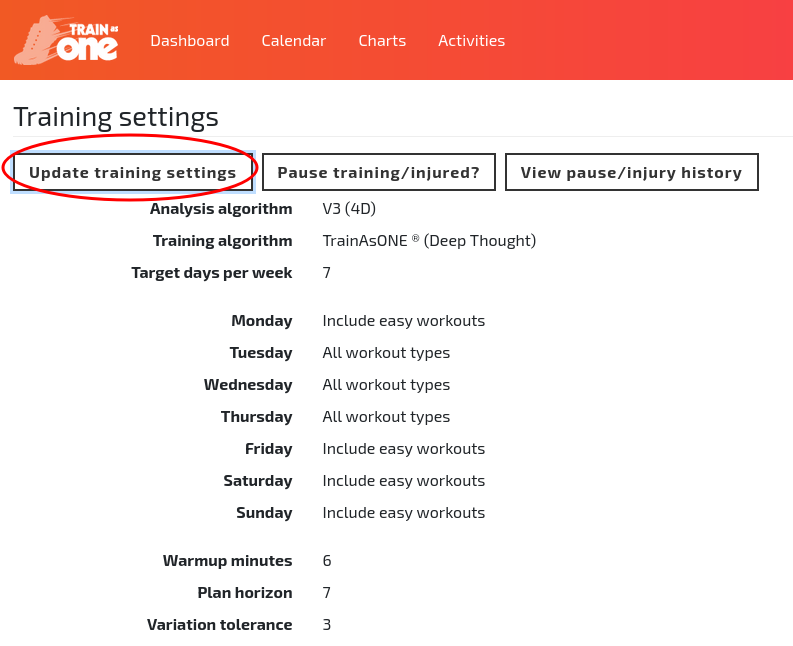
The 'Update training settings' button of the Training Settings page.
- In the ‘Days of the week’ section, enter the desired minutes in the 'Max minutes for run' column (using 'Custom' mode if needed) and click 'Save'.
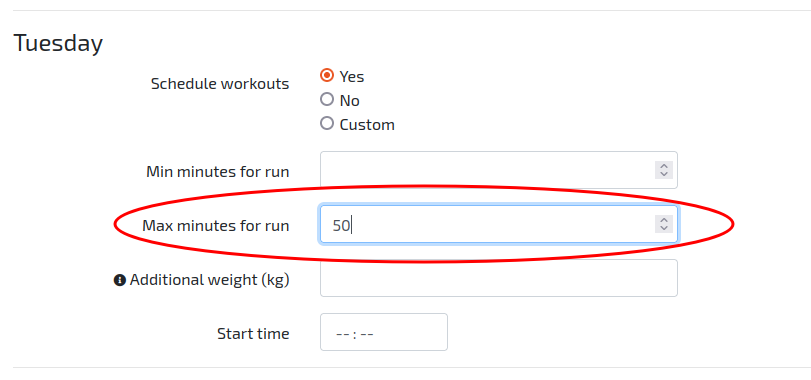
Specifying a maximum run duration for certain days of the week.