
Apart from a bad data recording, typically you should never wish or need to delete an activity within TrainAsONE. However, if you do wish to do so, this can easily be accomplished from your activity list page:
- Go to your Activities list page and locate the activity you wish to delete.
- Click the 'Status' field for the activity to delete.
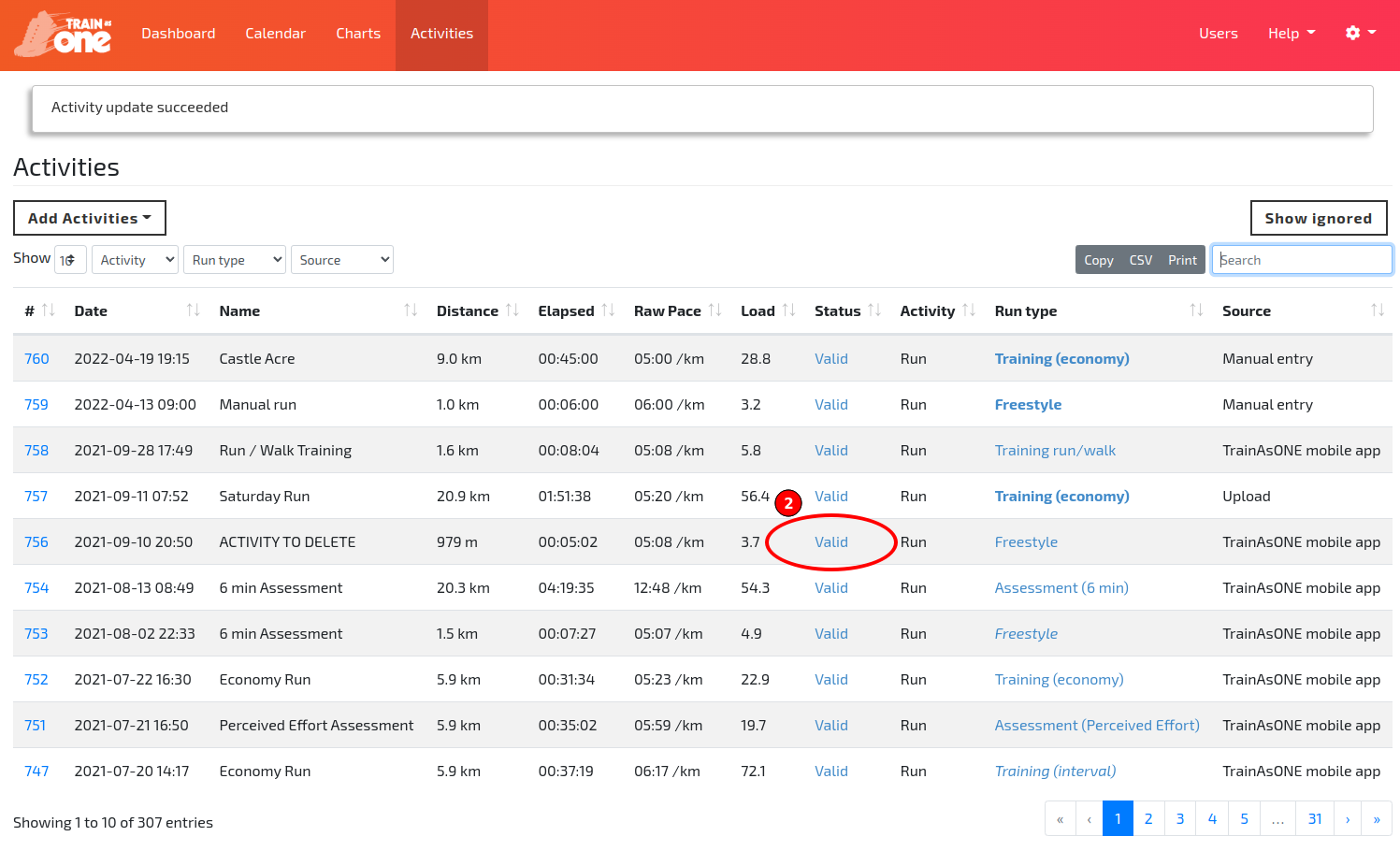
The Status field for an activity to be deleted.
- Click 'Delete activity' in the popup dialog and confirm.
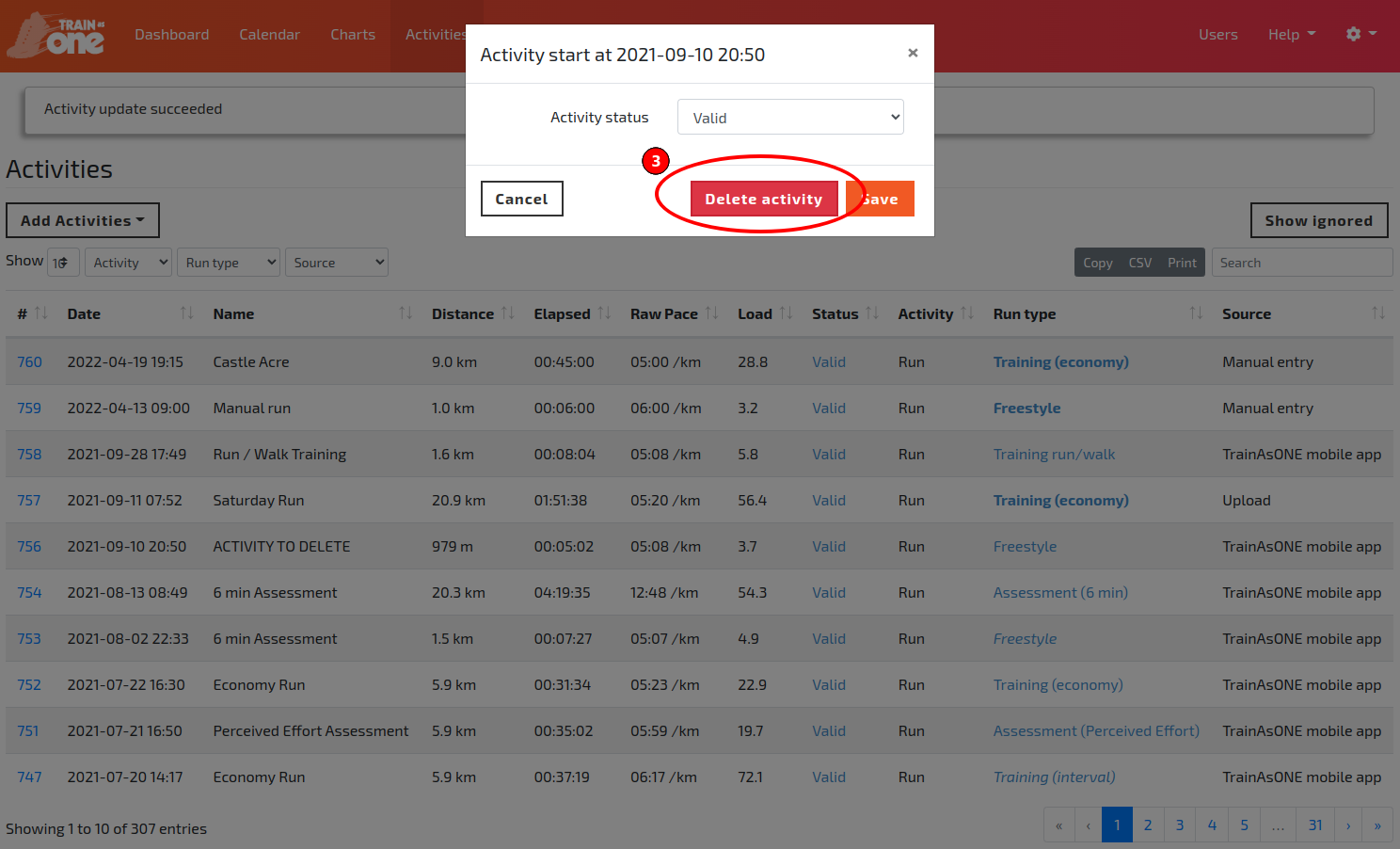
The Delete activity button.