
How do I enter details for an activity that was not recorded electronically?
By Dr. Sean Radford•24th February 2022
You can easily enter details of an activity that you have performed (but not recorded electronically) into TrainAsONE. The functionality to do so is currently only available within the web application.
- Go to your Activities page.
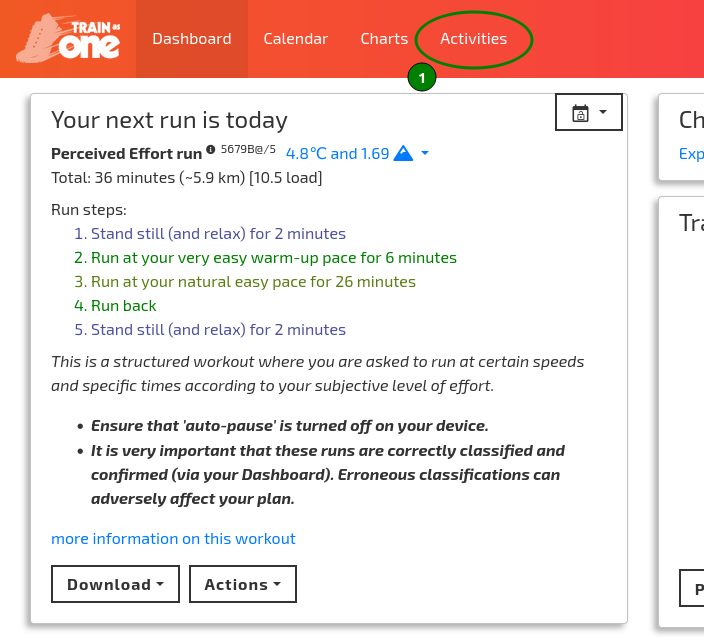
The Add Activities button on the Activities page.
- Click the ‘Add Activities’ button.
- Select the ‘Enter details manually’ item from the drop-down menu.
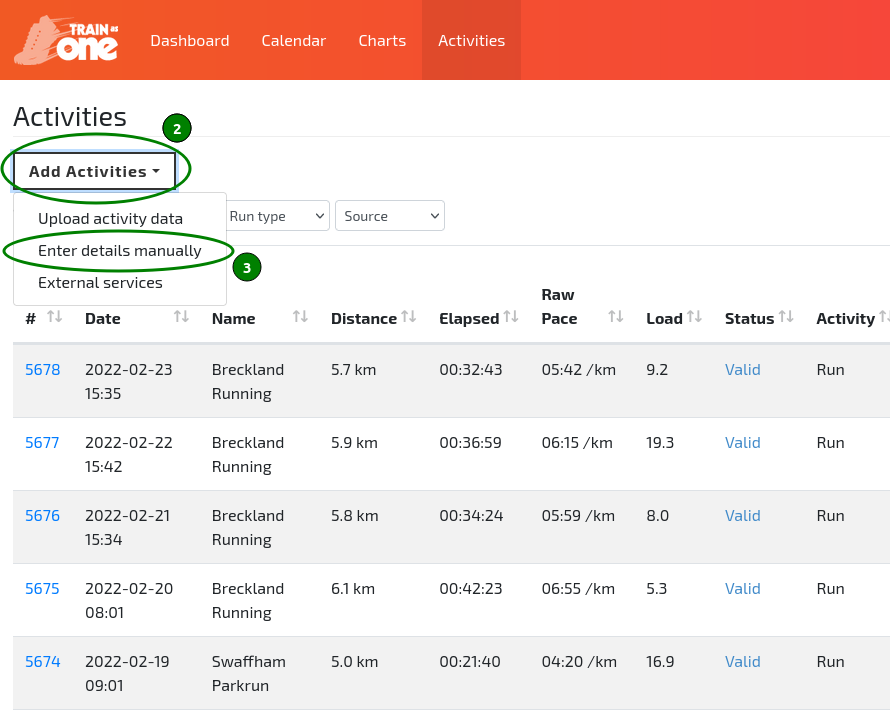
The 'Enter details manually' option of the Add Activities menu.
- Enter the details for your activity.
- Click the ‘Save’ button to store the details. TrainAsONE will then analyse the activity and if necessary trigger a new plan build.