
Can I export my TrainAsONE training calendar to my Google Calendar?
By Dr. Sean Radford•1st July 2022
You can export your TrainAsONE training calendar to Google Calendar via the Calendar Sharing feature. This is accessible from your Calendar page.
- On your Calendar page, click on the 'Calendar Sharing' button.
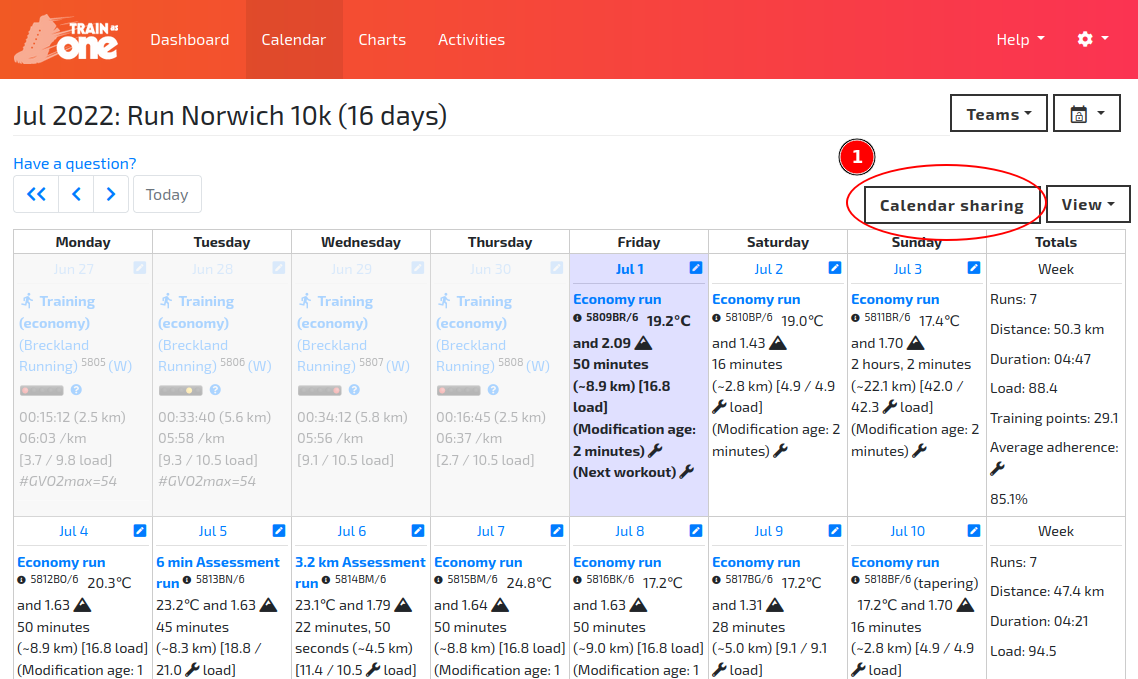
The 'Calendar Sharing' button on your TrainAsONE Calendar page.
- Copy the webcal link from the dialog and paste it into Google Calendar (or another system) to subscribe.
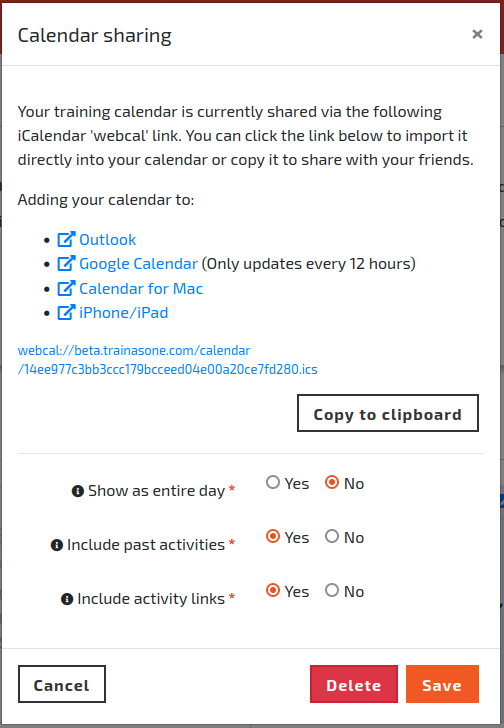
The 'Calendar Sharing' dialog.