
How do I schedule my runs for a particular time of day?
By Dr. Sean Radford•1st June 2022
This can be achieved from your Training Settings, and can be configured on a per day (of the week) basis:
- Click the 'Update training settings' button.
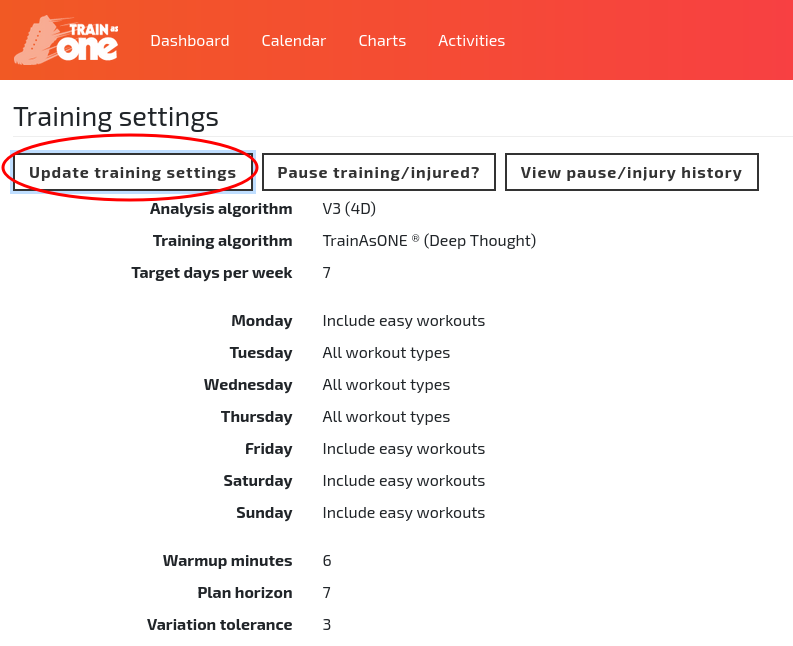
The 'Update training settings' button of the Training Settings page.
- Scroll to the day of interest and enter your desired time in the 'Start time' column (using 'Custom' mode if needed) and then click 'Save'.
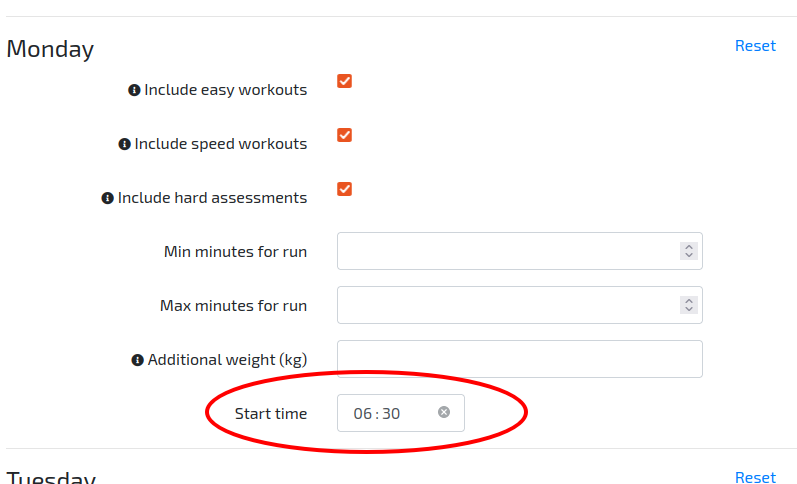
Specifying a preferred run start time in Training Settings.