
How do I see if there have been data synchronisation errors between the TrainAsONE mobile app and servers?
By Dr. Sean Radford•21st October 2022
You can view a screen displaying a summary list of the data synchronisation history via the app's Main Drawer. Look for the 'Data Synchronisation' menu item.
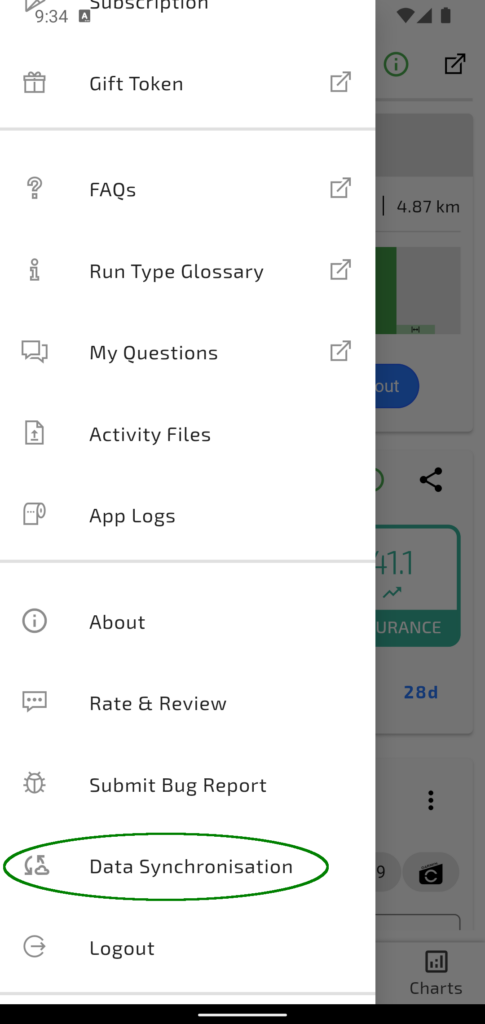
Screenshot of the TrainAsONE mobile app highlighting the Data Synchronisation menu item of the main app drawer.