
How do I switch my Garmin workouts to be guided by heart rate (rather than pace)?
By Dr. Sean Radford
•
28th July 2022
(Updated 22nd May 2026)
This is done by changing the step target settings located under the Workout preferences section of your Profile.
Instead of a single global setting, TrainAsONE allows you to customise target guidance for different parts of your workout using three distinct fields:
- Workout slow step target: Targets recovery steps, warm-ups, and cool-downs.
- Workout easy step target: Targets easy/aerobic runs.
- Workout fast step target: Targets high-intensity steps, such as threshold, interval, and fast steps.
For each of these step types, you can select one of the following options:
- None: No specific target metric is set, allowing you to run by feel.
- Speed: Steps are guided by pace.
- Heart rate: Steps are guided by heart rate.
- Power: Steps are guided by running power (if you have 'Run with power' enabled).
This granular control gives you the ultimate flexibility to mix and match guidance. For example, you can choose to guide your slow recovery steps by heart rate, your easy steps by pace (speed), and your fast intervals by power!
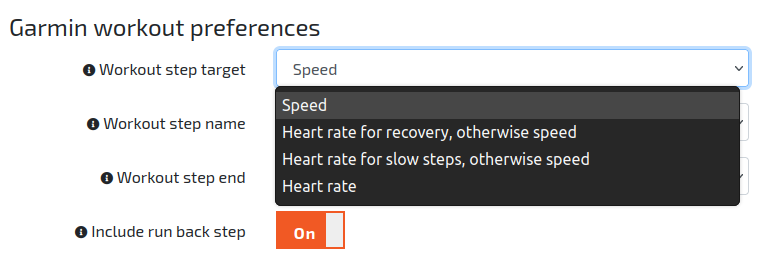
The Workout preferences section of the TrainAsONE Profile page, showing the slow, easy, and fast step target fields.